How it works
From the equipment in front of you to an answer you can trust.
Point the camera at the machine and ask, or show it. You get an answer from the manufacturer's own documentation, and when you need a person, an expert who already has your case, your photos, and your device in hand. Four steps, every time.
- Step 1
Point the camera at the equipment
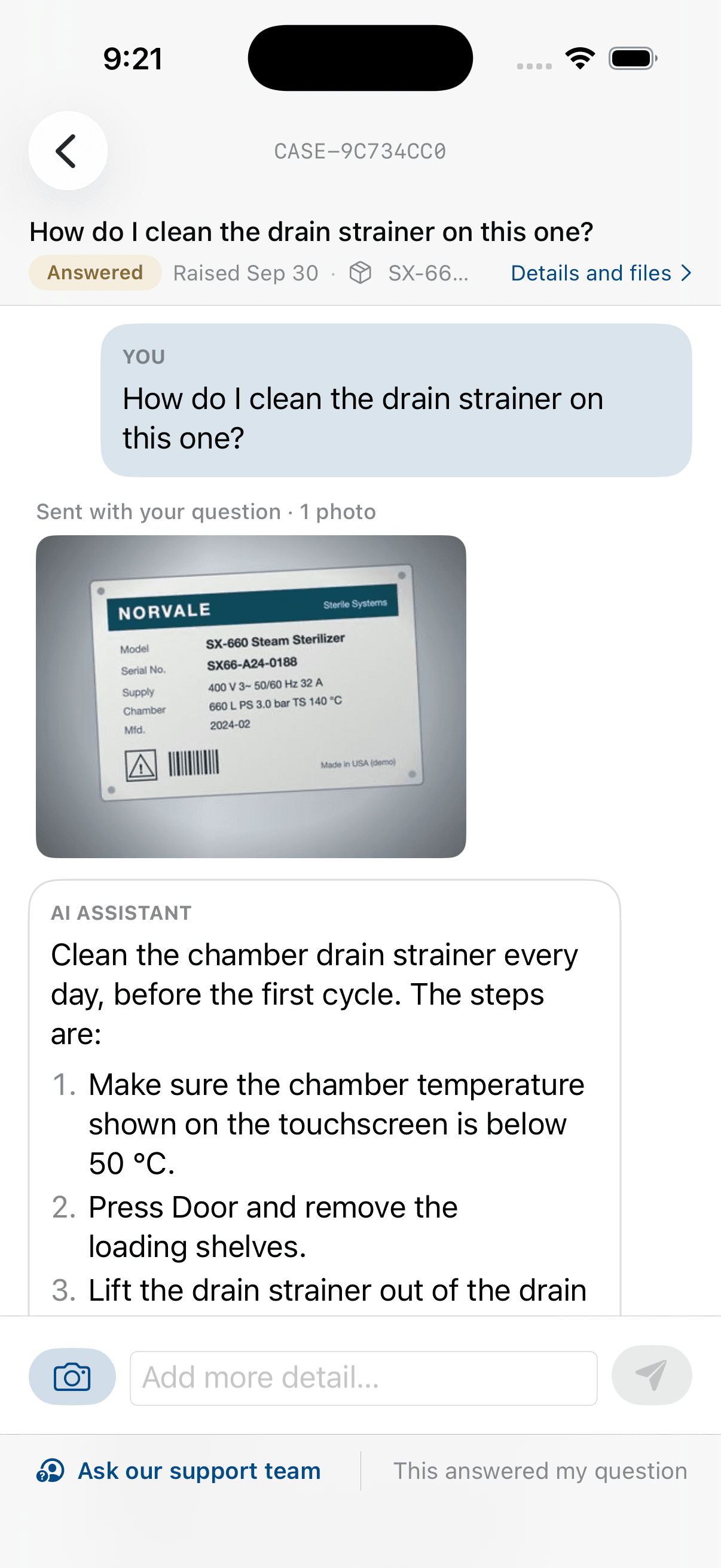
The nameplate identifies the unit.
Open the app and point your phone at the equipment’s nameplate. In a moment you see exactly which unit this is, how it is configured, and which version of the documentation applies to it today. Confirm it, and everything that follows is about this device and no other. If the plate is worn or the serial number is not on record, you are told so and asked to check, rather than being matched to something similar. No typing a serial number from a plate you can barely read.
- Step 2
Ask it, or show it
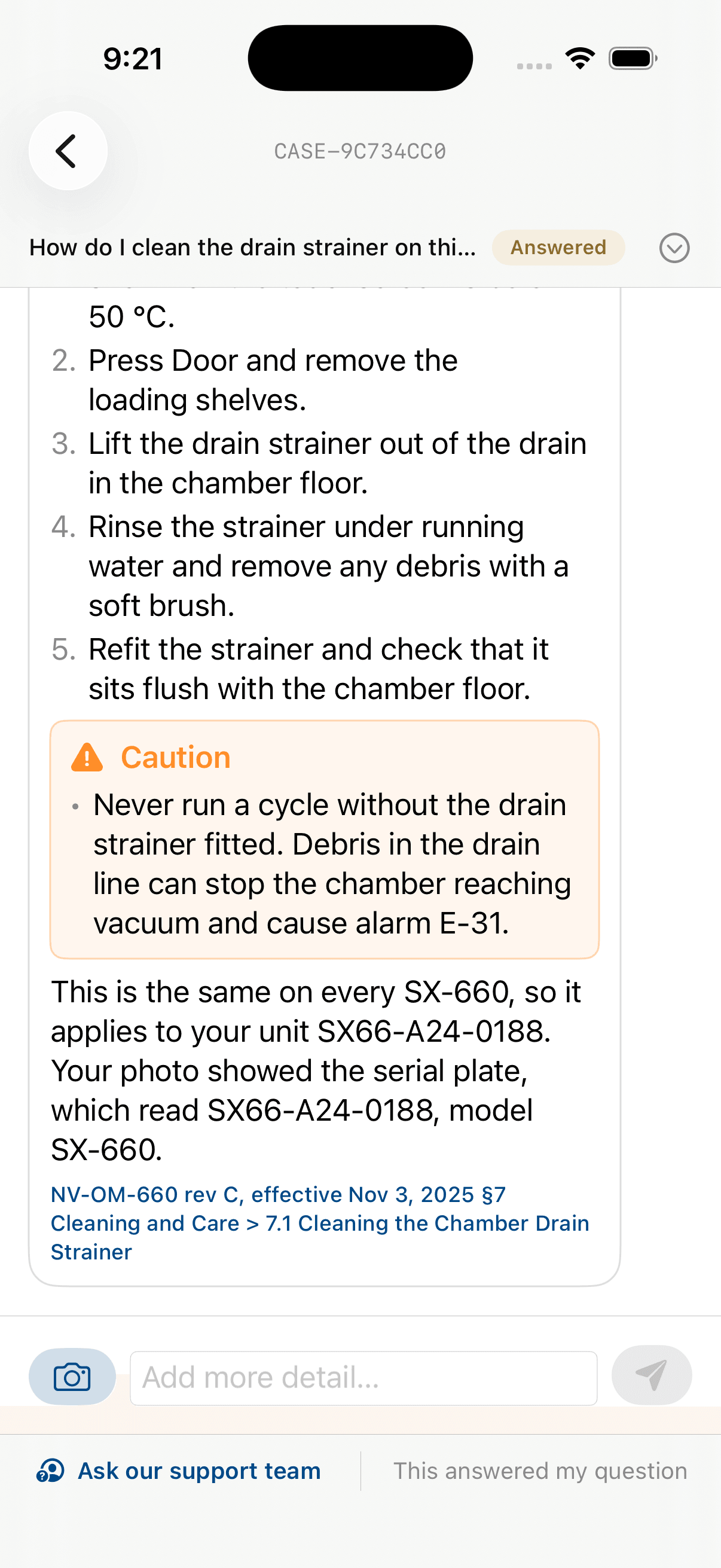
Every answer shows where it came from.
Ask your question the way you would ask a colleague: how to clean a component between uses, what a status light means, which consumable fits. Or photograph the display, record the fault, or upload the log. The answer reads what you showed it against the documentation for your unit, and says what it could and could not confirm. Every answer shows the document, the revision, and the effective date it was taken from. Tap the reference and the manual opens at that section. If the documentation does not cover your question, you are told that plainly.
- Step 3
Reach a person when you need one
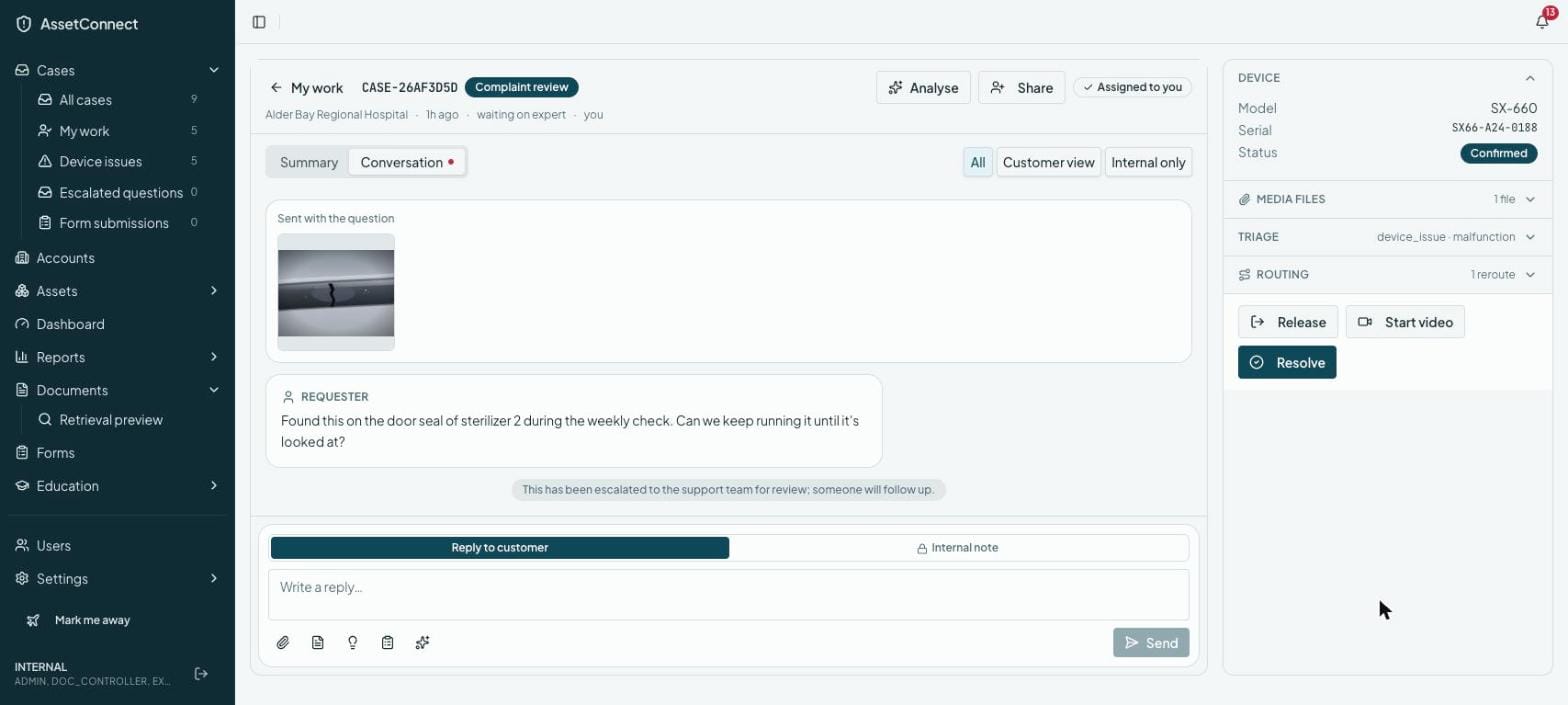
The case is already open, with everything attached.
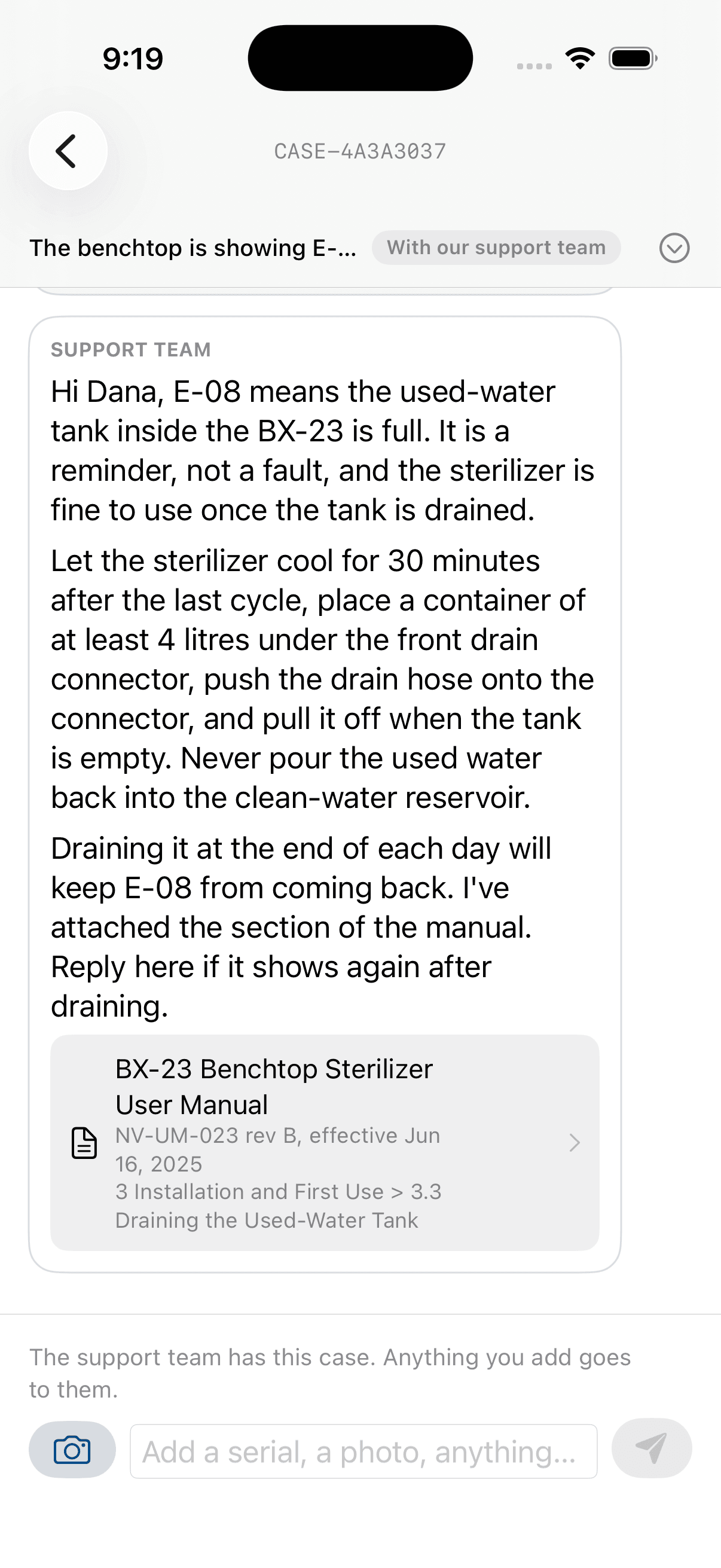
Some questions need a person. When yours does, you are told a support expert will reply, and your case reaches them with the device, its history, the documentation version, your photos, and your conversation already attached. You do not repeat yourself. If your support team runs Salesforce, the case is created there with the device, the conversation, and the citations attached. The reply comes back in the same thread from a named person, with references to the documentation where they apply.
- Step 4
Work it together, on video if it helps
Case analysis, chat, and live video, in the same thread.
When seeing the device helps, the expert takes the case to live video with you. Frames from the call are read against the documentation while you are still on it, so the expert is looking at your unit and its manual at the same time. The logs, photos, and video you shared earlier are already analysed, with what they show and what they do not. The expert replies in the same thread, and you carry on the conversation there as long as it takes. Every step of the way, the reply is from a named person, with references to the documentation where they apply.
When something may be wrong
When something may be wrong: your rule, not ours.
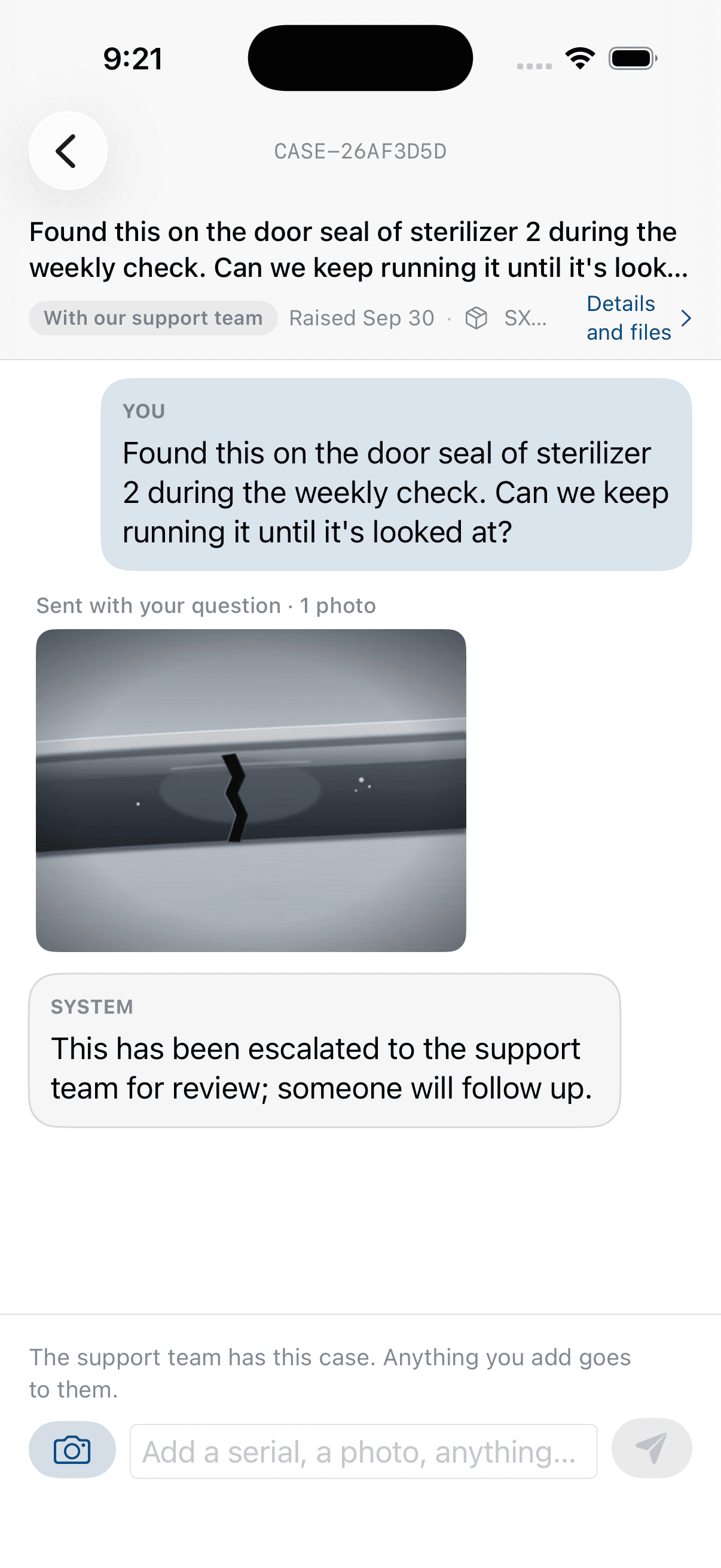
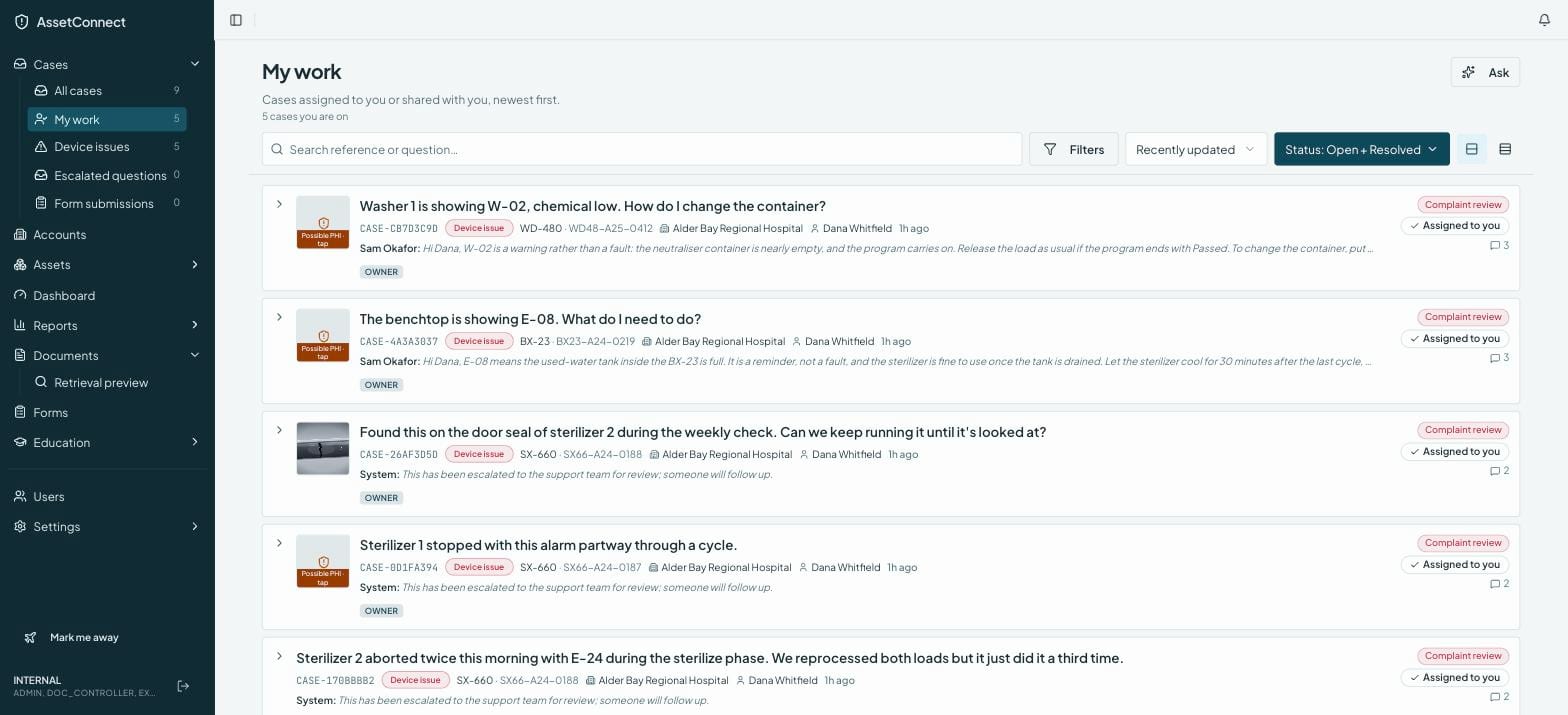
Sometimes a question that sounds routine describes something that may be wrong with the device. Under a medical-device profile, the conversation stops and the report goes to complaint review. Under an industrial profile, the customer is walked through the service procedure and a ticket is opened. You choose the profile; the platform enforces it.
No troubleshooting with the customer (medical profile)
When a question describes a possible malfunction, the conversation stops offering steps. The customer is told a person will follow up.
Recorded and routed in seconds
The device, the description, and the time are captured in a structured record and sent to your complaint review team on receipt, not after the call.
Reportability stays with your quality team
The software does not decide whether an event is reportable and has no field for that decision. Your procedures do.
See it on your own documentation.
Bring a manual and we will run through all four steps against it.
Request a demo