Visual AI support for equipment, grounded in your documentation.
Your brand, your equipment, your documentation. AI support that sees the problem the way your best engineer would.
Visual support, end to end
360° support: from identifying the equipment to cited answers and live video.
Identify the unit from its nameplate. Review its details. Get answers read against its documentation, with the source. Bring an expert onto live video when seeing it helps.
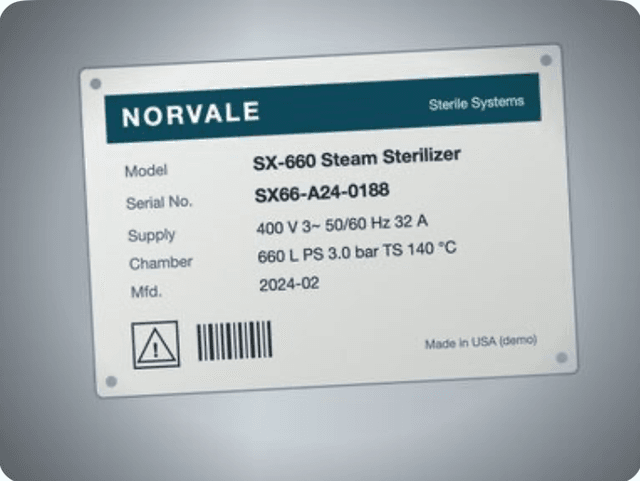
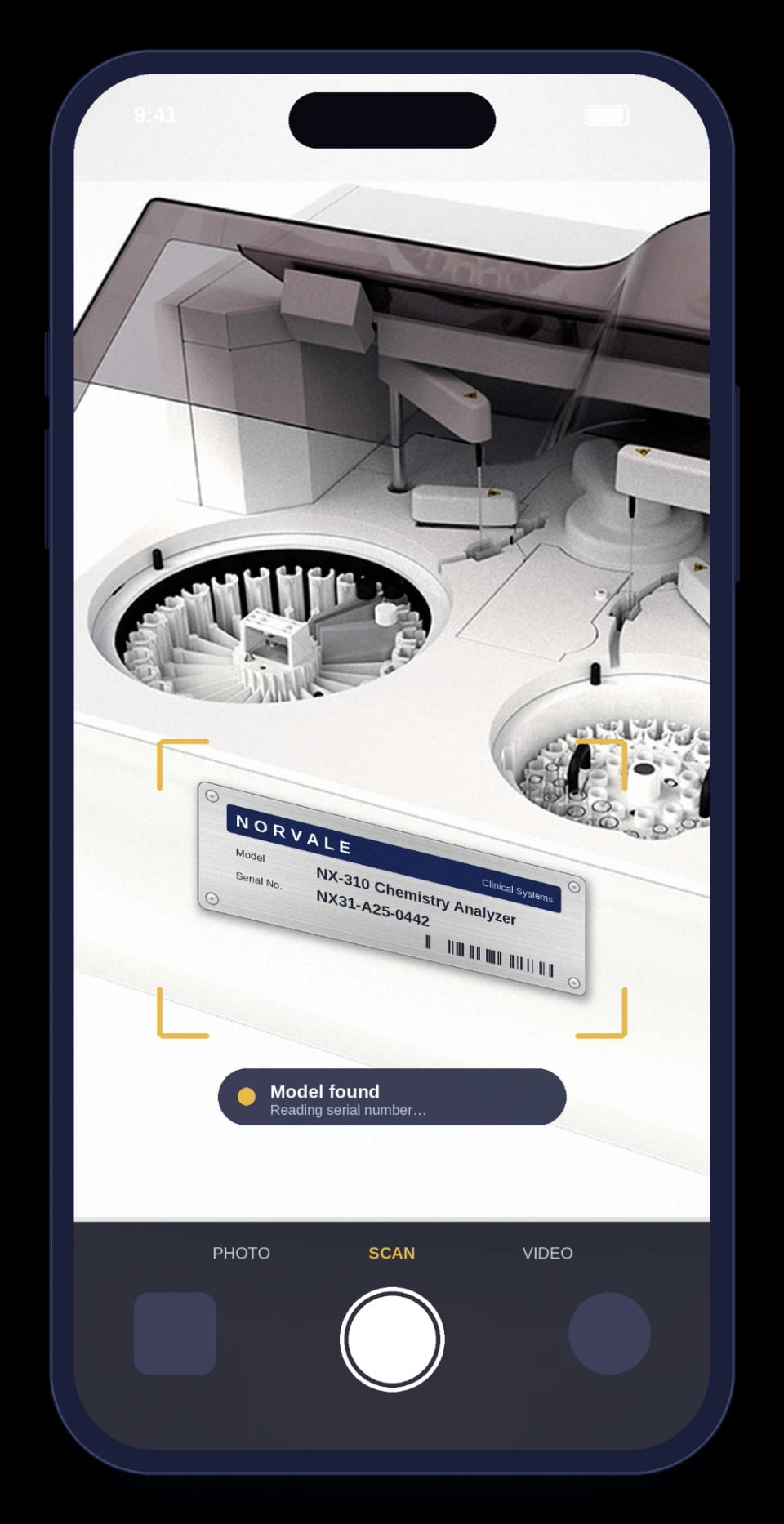
Point the camera at the nameplate. Serial number, then unit, then configuration, then the documentation that applies today. Deterministic, never a nearest match.
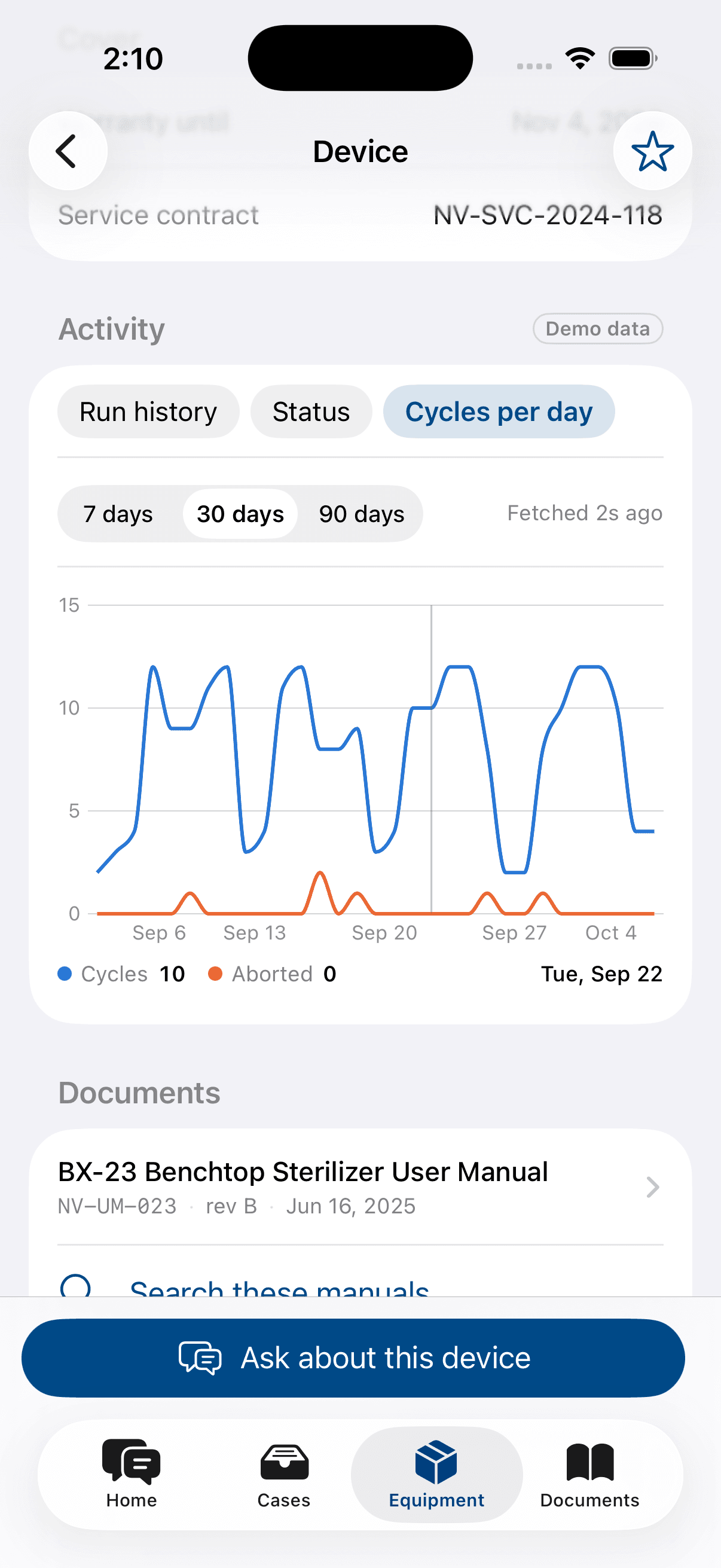
Confirm what the camera found. Model, serial, site, configuration, warranty, and service contract, with the documentation for that unit one tap away.
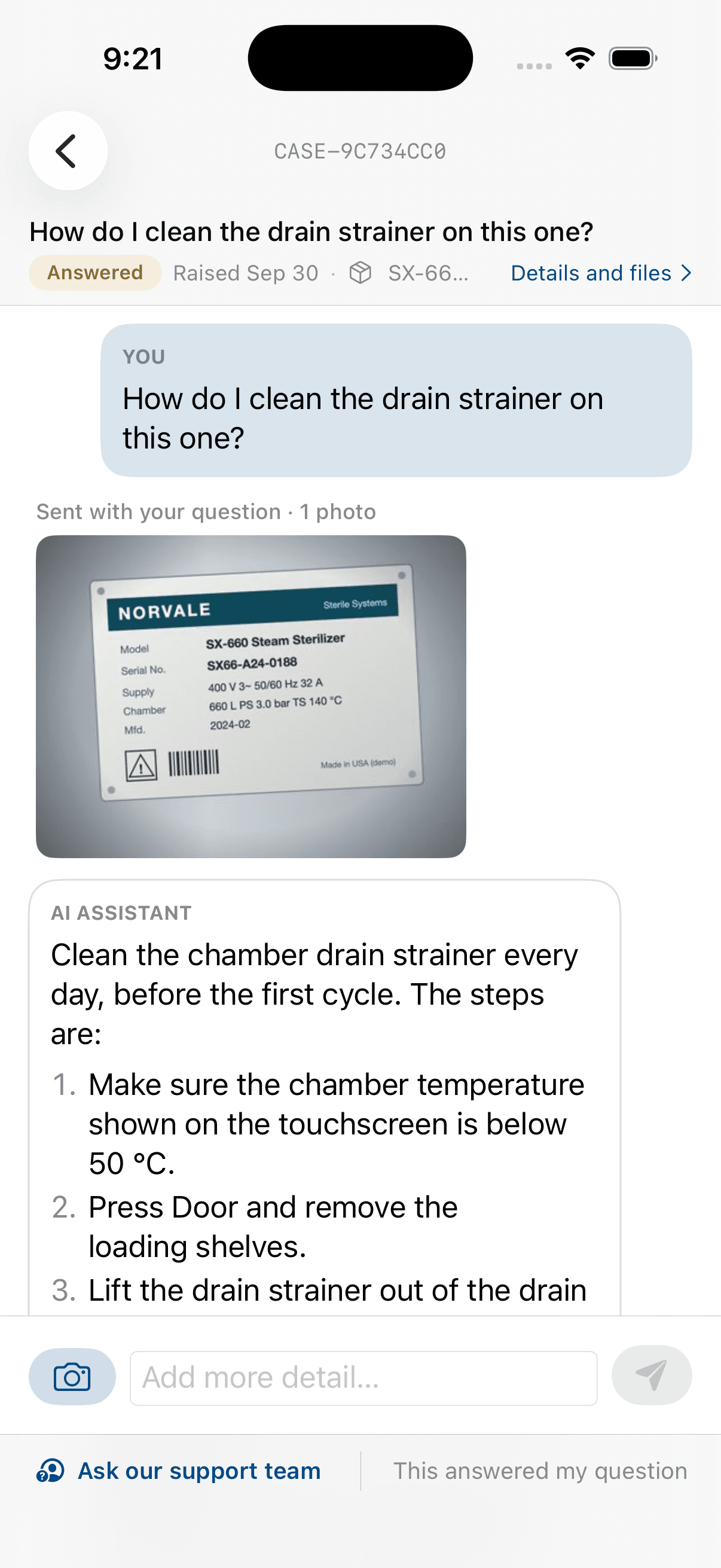
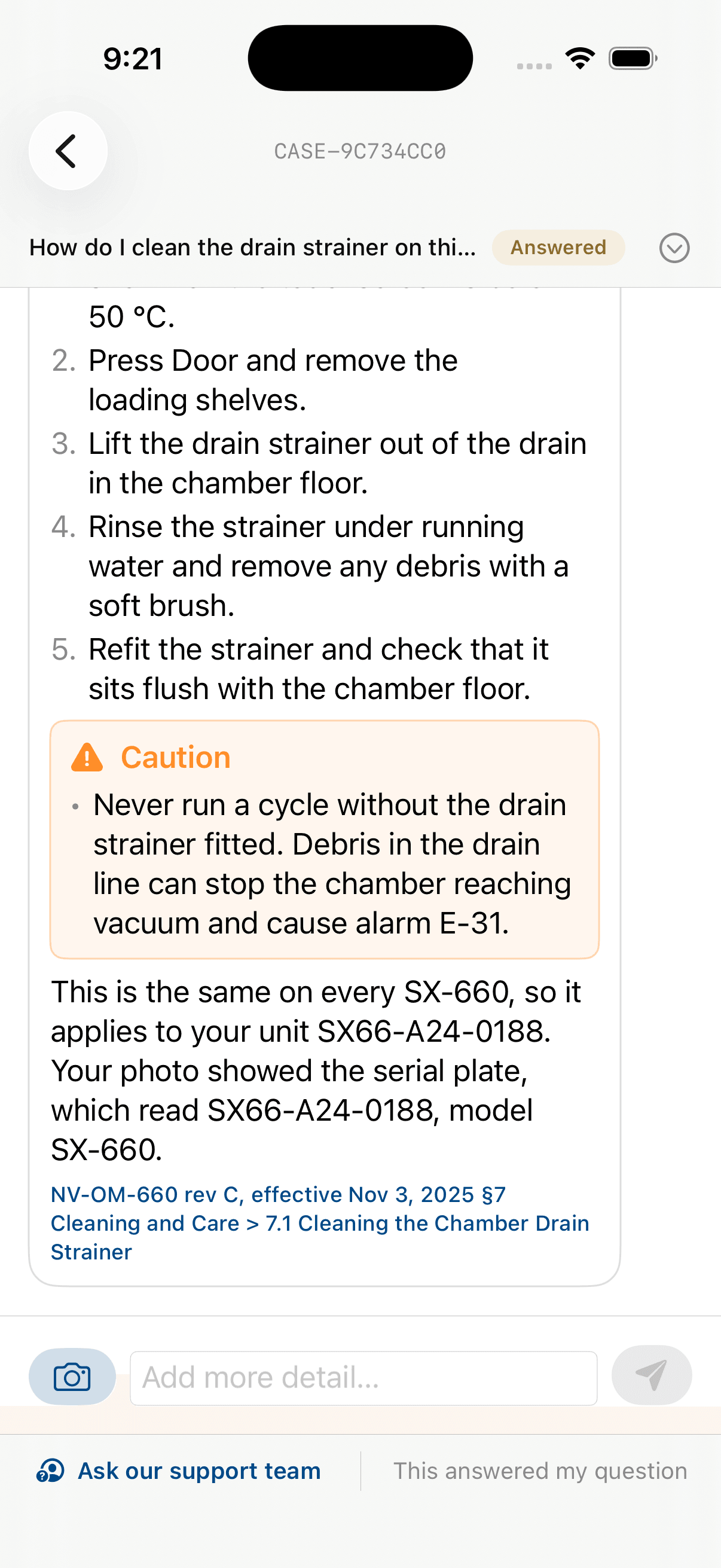
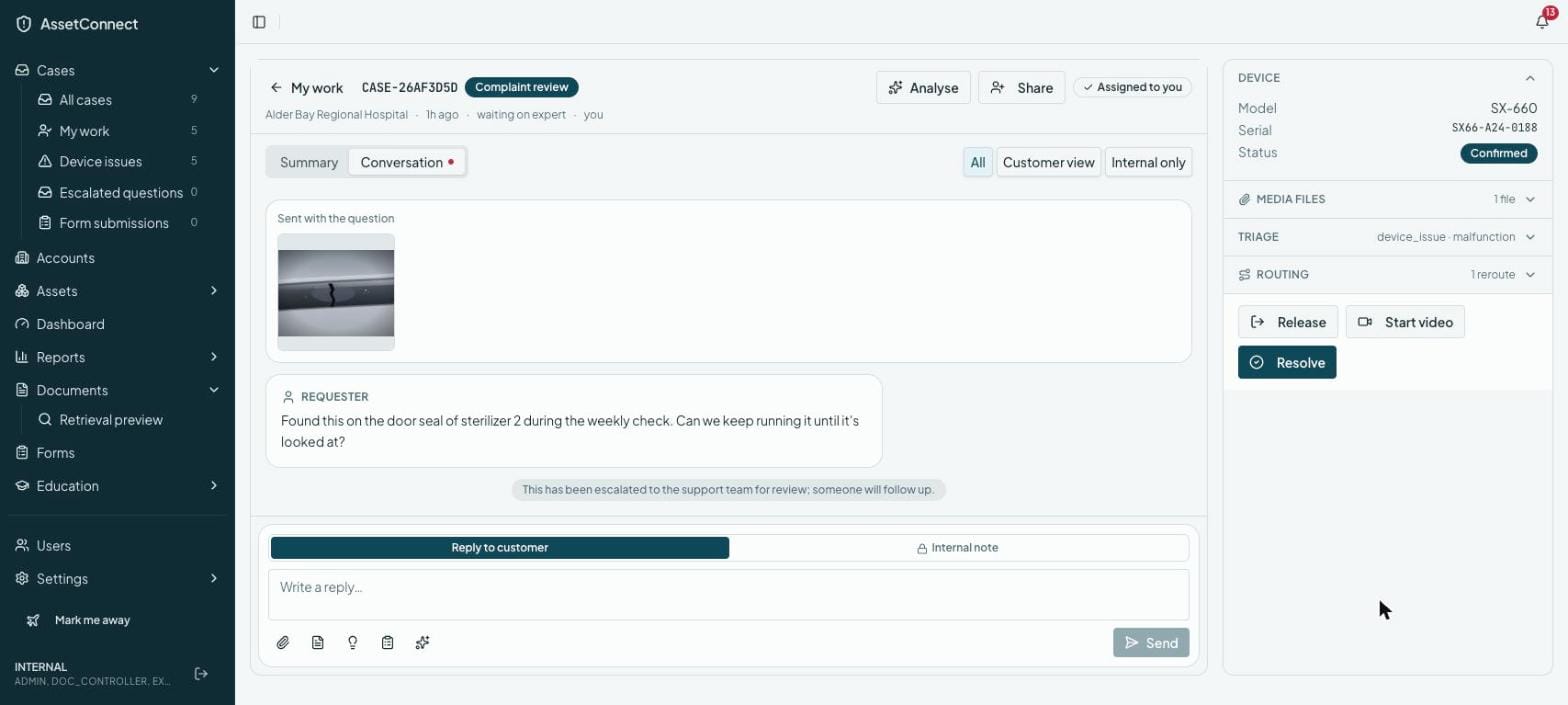
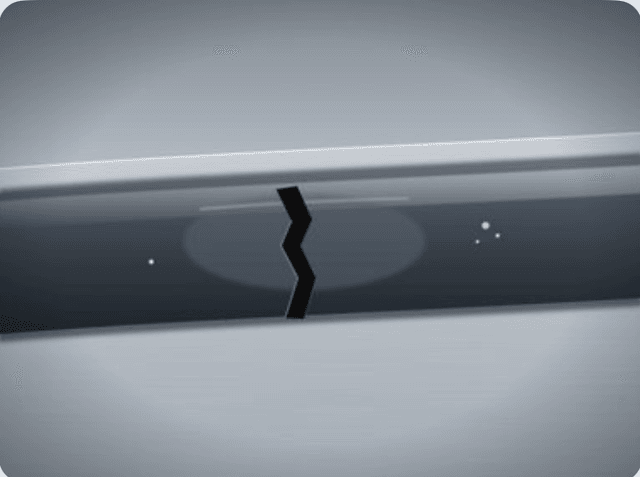
Ask about the equipment, or show it a photo, a video, or a log. The answer is read against that unit's documentation and cites the document, revision, and date. If it is not in the documentation, it says so.
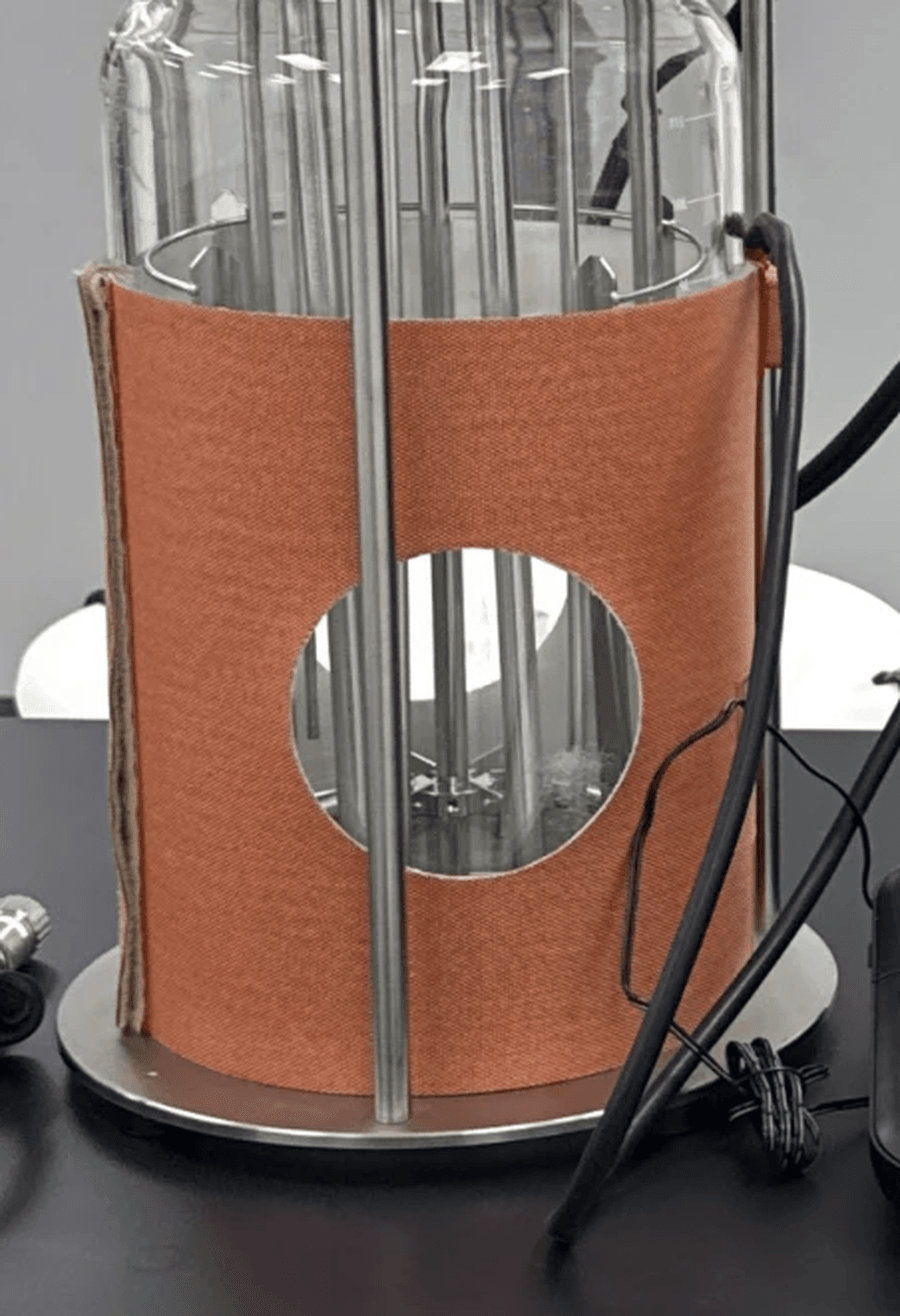
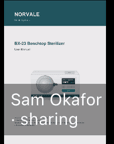
When seeing it helps, the expert takes the case to live video. Frames are read against the documentation during the call, and the session is attached to the case.
How it works
A team of agents behind every answer.
Between the question and the outcome sit a handful of specialised agents, each reading only from your controlled documentation. A cited answer, a reply from an expert, or a possible fault routed by your profile.
For your customers and internal teams
Equipment expertise for everyone who needs it.
Your customers
Cited answers from the device in front of them, a photo when words won't do, and a person when the documentation runs out.
Your field engineers
Service-manual grounding, guided procedures, and photos, video, and logs read against the documentation.
Your support experts
Context assembled before the first reply. Two queues that never merge.
Fully customizable
Your brand. Your workflows. Connected to your systems.
Deliver AI equipment support under your own brand, configured for your industry requirements and team workflows. Connect your existing support systems to carry every conversation from question to resolution.
Your regulatory profile
Medical device, GxP laboratory, or industrial. The profile decides what happens when a question describes a possible fault: complaint review, or troubleshooting and a ticket.
Your brand
Customer and engineer apps in your name, under your app-store account. A console carrying your identity.
Your rules
Your forms, your routing, your languages, your access by role. Configuration narrows behavior; it can never widen a safety rule.
Your support stack
Cases open in Salesforce Service Cloud or Field Service with the conversation and analysis attached. API, MCP server, and single sign-on today. ServiceNow next.
FAQ
Questions we get asked.
What is AssetConnect AI-Support?
An AI support assistant for equipment manufacturers, published under your brand on iOS, Android, and web. Your customers and field engineers point the camera at the unit, ask a question or show a photo, video, or log, and get an answer cited to your documentation. When a person is needed, the case reaches your support team with the conversation and device details attached, and the expert replies in chat or takes it to live video.
Where do the answers come from?
Only from the documentation you provide for that unit, such as user manuals, service manuals, bulletins, and alarm codes. Every answer cites the document, revision, and effective date. If the answer is not in the documentation, the assistant says so. There is no general-knowledge fallback.
How does it know which instrument the customer has?
The customer scans the nameplate. The serial number resolves to the unit, its configuration, and the documentation that applies to it today. An unknown serial is reported as unknown, never matched to the nearest model.
Can customers show the problem instead of describing it?
Yes. They can send a photo of the display or the component, a short video, or a log file. The analysis reads it against the documentation for that unit, cites what it found, and marks anything it could not confirm as unconfirmed.
What happens when a customer reports a possible malfunction?
That depends on the regulatory profile you choose. Under a medical profile, the assistant does not troubleshoot: it captures the report and routes it to complaint review. Under an industrial profile, it troubleshoots from the service manual and opens a ticket. AssetConnect AI never decides whether an event is reportable. Your team does.
Does it work with our CRM?
Cases open in Salesforce Service Cloud or Field Service with the conversation and analysis attached. An API, an MCP server, and single sign-on are available today, and ServiceNow is next. It also runs on its own if you have no CRM.
Is our documentation used to train shared AI models?
No. There is no shared model training on your data. Your documents ground answers for your users only, and each manufacturer's documents, cases, and configuration are isolated from every other manufacturer's.
How long does it take to go live?
The pilot plan is four weeks. Week 1, connect your systems and documentation. Weeks 2 and 3, configure your brand, rules, and regulatory profile. Week 4, pilot accounts go live in apps published under your own developer account.
Hardened where the bar is highest
Built to a medical-device standard. Deployed to any equipment.
Our first design partner makes cardiopulmonary bypass systems. Their documentation is controlled, their complaints are regulated, and a wrong answer has consequences. So the platform cites every answer, validates every change against a regression suite, and routes possible faults on receipt. An industrial OEM turns on the same platform with a different hand-off rule: troubleshoot the fault, then open the ticket. The discipline is the same. What changes is where the case goes.